 Sunny Capture
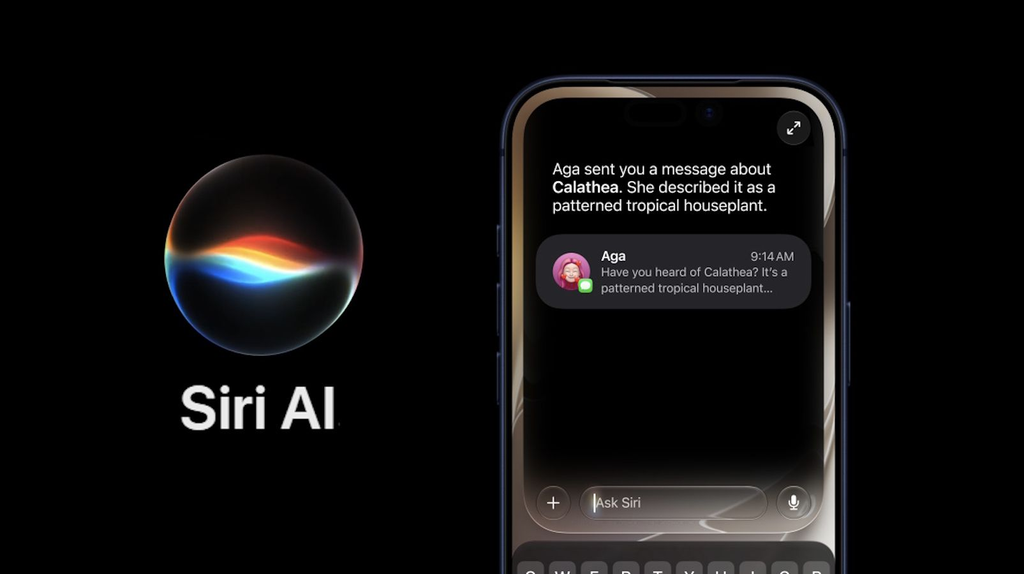
Apple has taken Siri to the next level with iOS 27, introducing a new generation of Siri powered by Apple Intelligence. The new Siri AI is designed to understand natural conversations, remember personal context, understand what’s on your screen, and perform actions across apps.

Apple describes Siri AI as a more capable and conversational assistant, and it is currently rolling out as a beta in English.
Here are 10 exciting Siri AI features in iOS 27 that iPhone users should know about.
1. More Natural Conversations
Siri AI is designed to understand more natural, back-and-forth conversations.
Instead of giving Siri short commands, you can ask detailed questions, continue the conversation, brainstorm ideas, or ask follow-up questions without having to repeat the entire context.

This makes Siri feel more like a conversational AI assistant rather than a traditional voice-command tool.
2. Siri Understands Your Personal Context
One of the biggest changes is Siri’s ability to understand information from your personal content.
Siri AI can help find information across places such as:
- Messages
- Emails
- Photos
- Calendar
- Notes
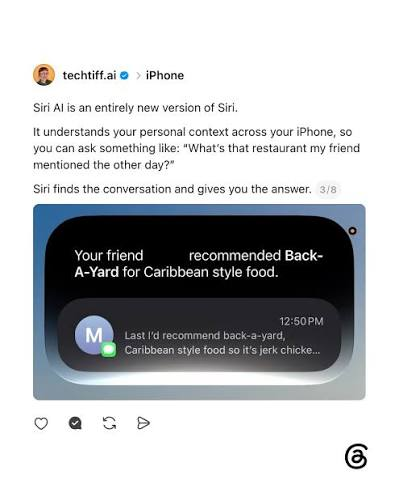
For example, you could ask Siri to find photos from an old trip or locate information about a flight mentioned in your email. AApple Support
3. Siri Can Understand What’s on Your Screen
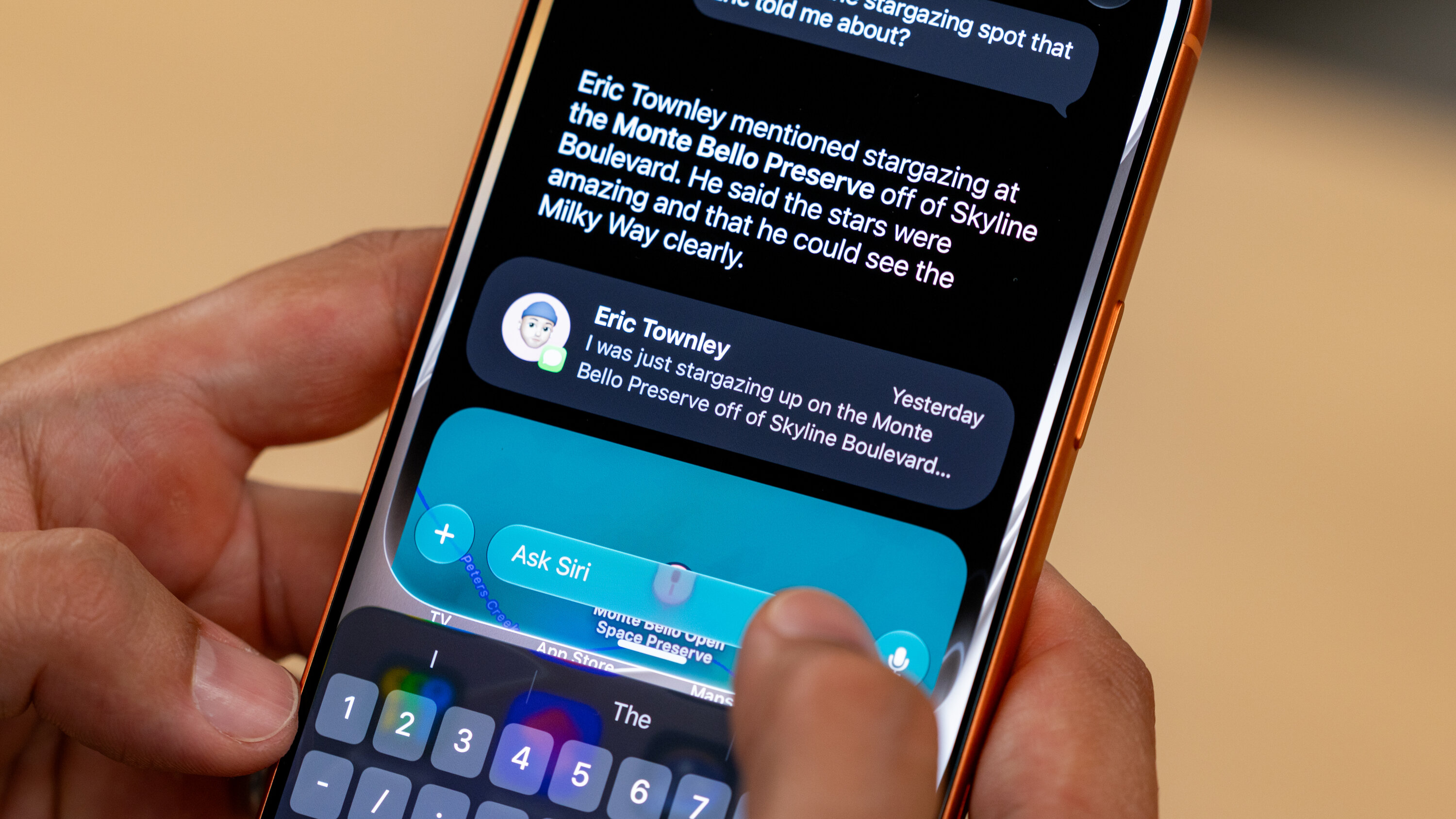
With onscreen awareness, Siri can understand the content you’re currently viewing.
For example, if you’re looking at an image, PDF, recipe, or other content, you can ask Siri questions about it and then follow up with additional requests.

This can make everyday tasks much faster because you don’t always need to explain what you’re looking at. Apple Support+1
4. Siri Can Take Actions Across Apps
Siri AI isn’t only about answering questions.
It can perform actions in supported apps, including tasks involving Messages, Music, Reminders and more. Apple gives examples such as creating reminders, sending emails, creating events, adding photos to albums, and editing messages. Apple
This means you can describe what you want to accomplish instead of manually opening multiple apps.
5. Siri AI Gets Broader World Knowledge
Siri AI can answer questions on a wide range of topics and combine general information with relevant personal context.
You can ask questions about everyday activities, hobbies, travel, sports, planning and many other subjects.
Apple says Siri AI combines broad world knowledge with personal context to provide more relevant responses.
Apple Support
6. Siri Mode Comes to the Camera
Another major addition is Siri mode in Camera.
Using the camera, Siri can help you identify something in front of you, ask questions about it, search for information, or take certain actions.
For example, Apple demonstrates using Siri mode to get information about food and to help split a restaurant bill using Apple Cash.
7. Write and Improve Text With Siri
Siri AI can also help with writing.
You can ask Siri to:
- Write a draft
- Summarize information
- Proofread text
- Improve something you’ve written
- Create an itinerary
Apple says Siri can also match your writing style, punctuation and tone in Messages and Mail.
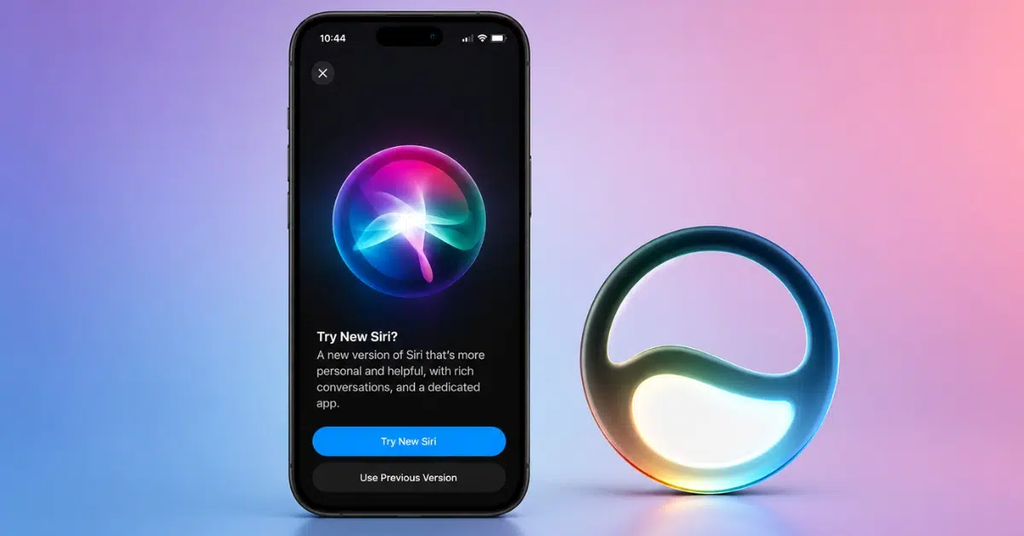
8. A Dedicated Siri App
iOS 27 introduces a dedicated Siri app where conversations can be kept together.
This gives users another way to interact with Siri AI and revisit conversations rather than treating every Siri request as a completely separate interaction.
9. Customize Siri’s Voice
Siri AI also brings more voice customization.
On supported iPhone models, users can customize aspects such as Siri’s expressiveness and speaking pace, giving the assistant a more personalized voice experience.
10. Siri and Apple Intelligence Focus on Privacy
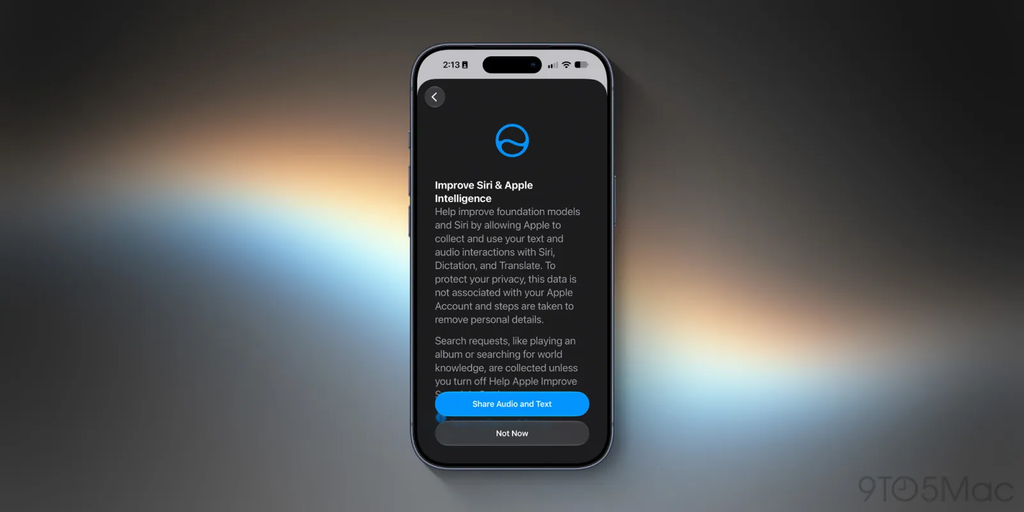
Apple says privacy remains a key part of the Siri AI architecture.
The company says Siri uses on-device technologies such as the Spotlight index and App Toolbox for certain capabilities, while Apple Intelligence is designed with privacy and security in mind.
Apple also notes that some server-based Apple Intelligence features have usage limits, which can vary depending on the feature, request complexity, system demand and other factors. Apple Support

Who Can Use Siri AI in iOS 27?
Siri AI requires an Apple Intelligence-enabled device. Apple currently lists the iPhone 15 Pro, iPhone 15 Pro Max, and iPhone 16 models or later among supported iPhones. Availability can also depend on language and region. Apple+1
Siri AI is currently rolling out in beta in English, with Apple stating that French, Japanese, Korean, Portuguese and Spanish support is coming next month. Apple
Final Summary
iOS 27 represents a major change for Siri. Instead of simply responding to basic voice commands, Siri AI is designed to understand conversations, personal context and what’s happening on your screen.
The biggest highlights include personal-context understanding, onscreen awareness, app actions, Camera-based Siri mode, AI writing tools, broader knowledge, a dedicated Siri app and customizable voices.
As Apple continues developing Siri AI, its usefulness will depend on supported devices, languages, regions and the features available in beta. For iPhone users with compatible hardware, iOS 27 provides a significantly more AI-focused Siri experience. Apple+1
Watch More on YouTube
For more Apple, iPhone, iOS and AI videos, visit your YouTube channel: